

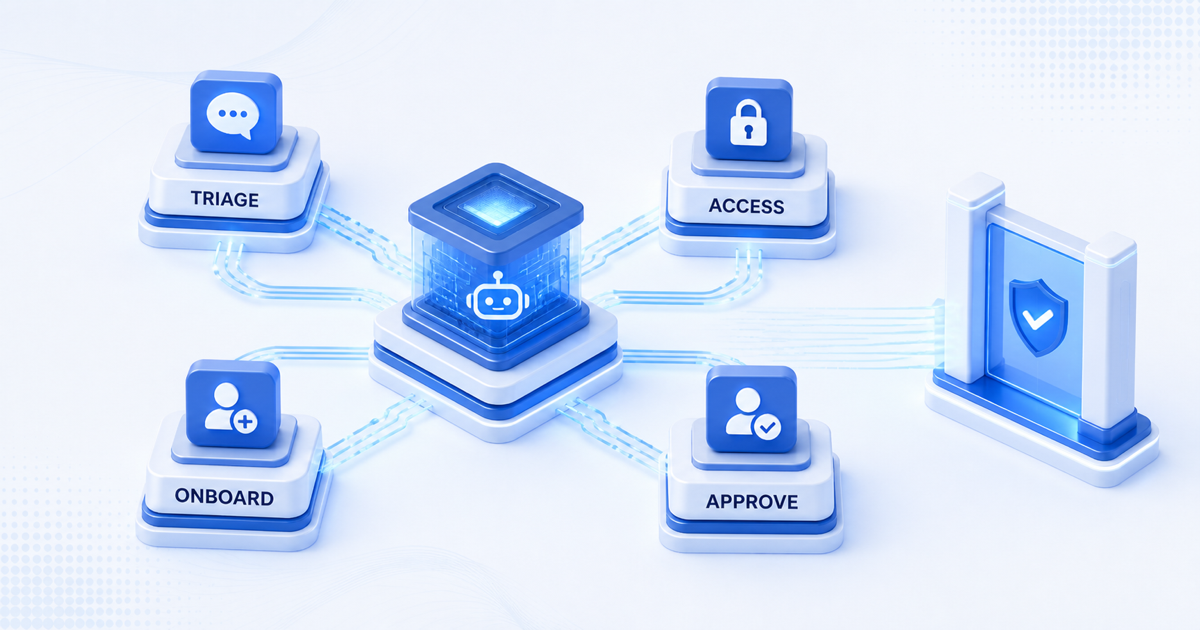
Enterprise operations teams spend significant time on repetitive, low-value work. Ticket triage, employee onboarding, access request processing, and routine compliance tasks consume hours each week that could be directed toward strategic initiatives. AI operations agents address this directly.
A well-designed operations agent operates like a virtual team member: it receives incoming requests, evaluates context, applies business rules, and executes actions across your tech stack. When deployed systematically, operations agents eliminate entire categories of manual work, reduce error rates, and improve response times across your organization.
This post walks through the operational patterns where automation has the highest impact, the fundamental design principles behind reliable agents, and how to measure success once agents are live in your workflow.
Ops bottlenecks: where automation has the highest impact
Most enterprise operations teams handle workflows across three main areas, each a prime candidate for agent automation.
Ticket triage and routing. Support and IT teams typically manage hundreds of tickets daily across multiple channels. A human reviews each ticket, categorizes it, assigns it to the correct team, and escalates if needed. An operations agent can perform this triage immediately, applying your existing routing rules consistently and handling the low-confidence cases by escalating to a human. This reduces queue depth and ensures urgent requests surface faster.
Employee onboarding and access provisioning. New hire workflows involve creating accounts, provisioning software licenses, setting up email distribution groups, and granting access to shared resources. These steps follow predictable logic and occur frequently enough that the overhead adds up. An agent can process onboarding requests end to end: collecting required information, creating accounts in your systems, sending welcome materials, and notifying the relevant teams. The process accelerates from days to hours.
Routine compliance and audit tasks. Many enterprises must enforce approval workflows, maintain audit logs, and validate access permissions regularly. An operations agent can monitor your systems continuously, flag access that violates policy, collect required approvals, and generate reports without human intervention between checkpoints.
Other high-impact areas include vendor invoice processing, employee data updates, and recurring report generation. The common thread: these workflows are predictable, rules-driven, and high-volume.
Common operations workflows: ticket triage to user onboarding
To illustrate concrete patterns, consider an illustrative scenario involving an enterprise IT department.
The IT operations team receives requests across email, a ticketing system, and a self-service portal. Requests range from password resets to hardware procurement to access requests for new collaboration tools. Currently, a human operator reviews each request, determines its type, assigns it to the appropriate team (Network, User Services, Procurement), and sets the priority based on urgency and business impact.
An operations agent handles this workflow as follows:
- Intake: The agent receives the incoming request (via API, webhook, or email integration).
- Classification: It parses the content, extracts key details (request type, affected user, department, urgency signals), and classifies the ticket into one of your predefined categories.
- Enrichment: The agent queries your employee directory, IT asset inventory, and access control systems to gather context about the user and the resource in question.
- Routing: It applies your routing rules (for example, hardware requests over $5,000 go to the procurement lead, password resets go to user services) and assigns the ticket.
- Escalation: If the request is ambiguous or outside standard patterns, the agent appends a summary and flags it for human review rather than guessing.
- Communication: The agent sends an acknowledgment to the requester with an expected timeline.
The result: ticket triage that completes in seconds, with consistent application of your business rules.
Similarly, for employee onboarding, an agent can:
- Receive a new hire request from HR with basic information.
- Query your IT service catalog to determine which systems the role requires.
- Submit account creation requests to each system (email, VPN, collaboration tools, code repositories).
- Monitor for completion and retry failed steps.
- Generate and send a welcome kit with account credentials and system access instructions.
- Notify the manager and relevant teams of the new employee's arrival.
By design, agents excel at these repeatable, logic-driven workflows. They apply rules consistently, execute steps reliably, and reduce cycle time significantly.
Agent design: patterns for reliable operations automation
Building a resilient operations agent requires attention to several foundational patterns.
Clear scope and fallback. Define the exact conditions under which your agent should act autonomously and the scenarios where it should escalate to a human. An agent that occasionally makes a wrong routing decision may cause friction. An agent that hesitates on unclear requests is safer. Design your agent to handle the cases that fit standard patterns, with explicit escalation paths for anything ambiguous or novel.
Integration with your tech stack. Your operations workflows span multiple systems: ticketing, identity management, asset inventory, and approval systems. Your agent must integrate with these via APIs, webhooks, or direct database access. Plan for authentication, rate limiting, and retry logic. Test integrations thoroughly in a staging environment before going live.
Data validation and error handling. When an agent queries a database or submits a request to another system, it must validate responses and handle failures gracefully. If a request to create an account fails, the agent should retry, log the error, and escalate if retries are exhausted. Design your agent to be observable, logging each step so you can audit what occurred.
Monitoring and alerting. Once live, monitor the agent's behavior continuously. Track metrics like request volume, average processing time, escalation rate, and failure rate. Set up alerts for unusual patterns: a sudden spike in escalations might indicate a system change or a requirement your agent doesn't yet handle. Monitor the systems your agent touches for side effects.
Iterative improvement. Plan to refine your agent over weeks and months. Collect feedback from the operations team: which escalations were unavoidable? Where did the agent misclassify or misroute? Use this feedback to tighten your rules, refine your prompts, and reduce escalation over time.
Integration strategy: connecting your tech stack
Most enterprises operate multiple systems that don't natively communicate. Your agent bridges these gaps.
Start by mapping the workflows you want to automate. Document each step, the system it touches, and the data it requires. Identify the APIs available in each system. Most modern software provides REST or GraphQL APIs; older systems may require custom connectors or scheduled bulk imports.
Authentication and permissions. Your agent needs credentials to act in downstream systems. Use service accounts with limited, role-based permissions. Never grant your agent admin access; instead, grant the minimal permissions required for each action. Store credentials securely using your identity provider or a secrets management system.
Async workflows and polling. Not all systems respond immediately. When your agent submits an account creation request, the underlying system may take seconds or minutes to complete. Design for asynchronous interactions: your agent submits the request, records a request ID, and polls periodically until completion or timeout.
Testing and staging. Before deploying an agent to production, test it thoroughly in a staging environment that mirrors your production systems. Create test cases covering both happy paths and error scenarios. Verify that the agent handles failures, retries, and ambiguous inputs correctly.
Rollout strategy. Consider a phased rollout. Begin with a subset of your operations workflows or a limited volume of requests. Monitor performance, gather feedback, and expand gradually. A staged approach reduces risk and gives your team time to build confidence.
Monitoring automated workflows: alerts and dashboards
An operations agent running in production requires active monitoring and visibility into its behavior.
Key metrics to track:
- Request volume: how many requests the agent processes daily.
- Processing time: average time from intake to resolution or escalation.
- Success rate: percentage of requests the agent handles without escalation.
- Escalation rate: percentage requiring human review.
- Error rate: percentage of requests that fail due to system errors or invalid data.
- System downtime: when the agent is unavailable due to downstream system issues.
Dashboards and alerts. Implement a dashboard (in your existing monitoring tool or a purpose-built workflow dashboard) that displays these metrics in real time. Set up alerts for anomalies: if the error rate spikes above your baseline, if processing time exceeds a threshold, or if a downstream system becomes unavailable.
Audit logging. Log every action the agent takes, including what decision it made, what data it accessed, and what outcome occurred. Audit logs are essential for compliance, troubleshooting, and improving agent behavior. A human should be able to review any request and understand exactly what the agent did and why.
Feedback loops. Regularly review escalated requests with your operations team. Ask: could the agent have handled this case differently? Do our rules need updating? Are there new request types we didn't anticipate? Use this feedback to refine the agent.
Success metrics: measuring operational savings
To assess whether your operations agent is working, define clear success metrics upfront.
Efficiency gains. Measure the labor hours saved on the specific workflow you automated, and measure cycle time directly: how long triage or onboarding took before the agent versus after.
Error reduction. Track how often your agent makes mistakes or causes issues in downstream systems. Compare this to your baseline error rate for manual operations.
Consistency. Measure whether the agent applies your business rules consistently. Are requests always routed to the correct team? Are priority levels assigned objectively according to policy? Consistency itself is a value: it sets expectations and reduces friction.
Cost avoidance. Automation doesn't always reduce headcount, since your team may use the freed time for higher-value work. Where it does change staffing plans, quantify the headcount you would otherwise need to hire against the cost of running and maintaining the agent.
System uptime and reliability. If your agent reduces errors in downstream systems, measure the reduction in service disruptions or data quality issues.
Document these metrics before and after deploying your agent, and review them monthly as the agent matures.
Getting started with operations agents
Building operations agents requires choosing a tool and a workflow to start with. The best agents solve specific, well-defined problems with a clear path to measuring return.
Select a high-volume, repeatable workflow where you have either high error rates or significant time overhead. Ticket triage, access provisioning, and vendor payment processing are proven starting points.
Plan your agent using the patterns outlined above: define scope, identify integrations, design for escalation and monitoring. Start small, test thoroughly, and expand based on results.
Xagent simplifies this process. With access to MCP tools, APIs, files, and knowledge bases your agents can call, plus integrations with your existing tech stack, you can build and deploy an operations agent in days rather than months. Xagent's agent templates provide starting points for common operations workflows, and the platform's monitoring and audit capabilities give you the visibility you need.
Operations work that follows predictable rules is a strong fit for automation. Deploying agents to handle this work frees your team to focus on exceptions, improvements, and strategic initiatives. Start with one workflow, measure results, and expand.